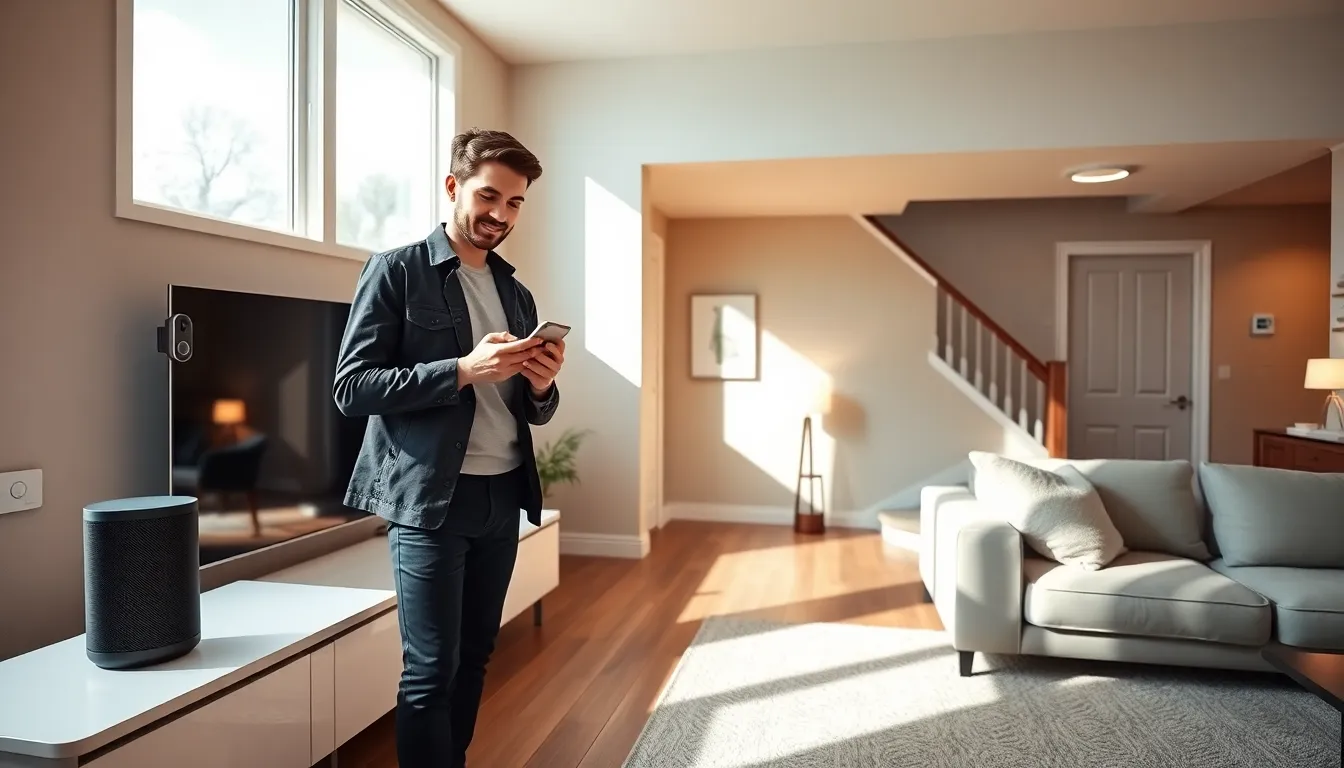
Smart home tech transforms ordinary houses into connected, efficient living spaces. Homeowners can control lights, thermostats, security cameras, and appliances from a single smartphone app. The global smart home market reached $93 billion in 2023 and continues to grow as more people discover these benefits.
Getting started with smart home tech doesn’t require technical expertise or a massive budget. Anyone can begin with a few affordable devices and expand over time. This guide covers the basics of smart home technology, recommends essential starter devices, explains setup processes, and offers tips for building a complete smart home ecosystem.
Table of Contents
ToggleKey Takeaways
- Smart home tech connects everyday devices to the internet, allowing control via smartphone apps or voice commands for added convenience and efficiency.
- Start with high-impact devices like a smart speaker, smart plugs, or smart thermostat—no technical expertise or large budget required.
- Choose one primary ecosystem (Amazon Alexa, Google Home, or Apple HomeKit) to simplify setup and ensure device compatibility.
- Smart thermostats can reduce energy bills by 10-15%, often paying for themselves through savings and utility rebates.
- Expand your smart home gradually, wait for sales events to save 30-50%, and prioritize security updates to protect your connected devices.
- Look for Matter-compatible smart home tech to ensure your devices work seamlessly with future products and platforms.
Understanding Smart Home Technology Basics
Smart home technology connects everyday household devices to the internet. These connected devices communicate with each other and respond to voice commands or app controls. The result? Homeowners gain remote access to lights, locks, thermostats, and dozens of other systems.
Three core components make smart home tech work:
- Smart devices: Physical products like bulbs, plugs, cameras, and sensors that connect to WiFi or a hub
- Central hub or controller: A device (like Amazon Echo or Google Nest Hub) that manages communication between smart devices
- Mobile apps: Software that lets users control devices from smartphones or tablets
Most smart home devices use one of several wireless protocols. WiFi connects directly to home routers. Zigbee and Z-Wave require a separate hub but use less power and create mesh networks for better coverage. Matter, a newer standard launched in 2022, aims to unify these protocols and improve device compatibility.
Smart home tech offers practical benefits beyond convenience. Motion sensors can turn lights on automatically. Smart thermostats learn household schedules and reduce energy bills by 10-15% according to EPA estimates. Security cameras send instant alerts when they detect movement. Voice assistants let users control multiple devices with simple spoken commands.
Understanding these basics helps beginners make informed purchasing decisions. They can choose devices that work together and avoid compatibility headaches down the road.
Essential Smart Home Devices for Beginners
Starting a smart home doesn’t require buying everything at once. Beginners should focus on a few high-impact devices that deliver immediate value.
Smart Speaker or Display
A smart speaker serves as the command center for most smart home setups. Amazon Echo devices work with Alexa. Google Nest speakers use Google Assistant. Apple HomePod connects to Siri. These voice assistants control other smart devices, answer questions, play music, and set timers.
Smart displays add screens to this functionality. They show video feeds from doorbell cameras, display recipes, and make video calls. The Amazon Echo Show and Google Nest Hub are popular choices under $150.
Smart Lighting
Smart bulbs offer the easiest entry point into smart home tech. Philips Hue, Wyze, and LIFX bulbs screw into existing fixtures. Users can dim lights, change colors, set schedules, and create scenes, all from an app or voice command.
Smart light switches provide another option. They control existing bulbs and work even when the physical switch gets flipped. This approach costs more upfront but works with any bulb type.
Smart Plugs
Smart plugs transform ordinary appliances into connected devices. Plug a lamp, fan, or coffee maker into one, and it becomes controllable via app or voice. Most smart plugs cost between $10-25 each. They’re perfect for testing smart home tech without major investment.
Smart Thermostat
A smart thermostat pays for itself through energy savings. The Nest Learning Thermostat, Ecobee, and Honeywell Home models adjust temperatures based on schedules and occupancy. Many utility companies offer rebates that reduce the purchase price.
Video Doorbell
Video doorbells like Ring, Nest Doorbell, and Eufy show visitors before homeowners answer the door. They record footage, send motion alerts, and allow two-way communication. This single device adds both convenience and security to any home.
Setting Up Your Smart Home Ecosystem
Setting up smart home tech follows a straightforward process. Most devices require just a smartphone, home WiFi network, and 15-30 minutes per device.
Step 1: Choose an Ecosystem
Picking a primary ecosystem simplifies setup and ensures device compatibility. The three major options are:
- Amazon Alexa: Largest device compatibility, affordable hardware, strong third-party support
- Google Home: Excellent voice recognition, tight integration with Google services, good device support
- Apple HomeKit: Best privacy features, seamless iPhone integration, more limited device selection
Most smart home devices work with multiple ecosystems. But choosing one primary platform keeps the experience consistent.
Step 2: Strengthen Your WiFi
Smart home tech depends on reliable WiFi. Each connected device adds load to the network. Homes with more than 10 smart devices should consider a mesh WiFi system. These systems use multiple access points to eliminate dead zones and handle many simultaneous connections.
Place the router in a central location. Keep it away from microwaves, cordless phones, and thick walls that block signals.
Step 3: Install Devices One at a Time
Rushing device setup leads to frustration. Install one device, test it thoroughly, then move to the next. This approach identifies problems early and builds familiarity with the setup process.
Most smart home devices require downloading a manufacturer’s app, creating an account, and following on-screen instructions. The app typically guides users through connecting the device to WiFi and linking it to their chosen voice assistant.
Step 4: Create Automations
Automations make smart home tech truly useful. They trigger actions based on time, location, or device status. Examples include:
- Lights turn on at sunset
- Thermostat lowers when everyone leaves home
- Coffee maker starts at 6:30 AM on weekdays
- Front porch light activates when the doorbell detects motion
Start with simple automations. Add complexity as comfort with the system grows.
Tips for Expanding Your Smart Home Over Time
Building a complete smart home happens gradually. Strategic expansion keeps costs manageable and prevents overwhelming complexity.
Start with one room. Many beginners outfit a living room or bedroom first. This concentrated approach creates a fully functional smart space quickly. Success in one room builds confidence for expanding elsewhere.
Wait for sales. Smart home devices frequently go on sale during Prime Day, Black Friday, and holiday seasons. Prices often drop 30-50% on popular items. Patience saves significant money over time.
Prioritize security updates. Smart home tech connects to the internet, which creates potential security risks. Always update device firmware when prompted. Use strong, unique passwords for each smart home account. Enable two-factor authentication wherever possible.
Consider a dedicated hub. As collections grow beyond 15-20 devices, a dedicated smart home hub improves performance. Samsung SmartThings, Hubitat, and Home Assistant offer advanced control and local processing that doesn’t depend on internet connections.
Think about resale value. Smart thermostats, video doorbells, and lighting systems appeal to home buyers. The National Association of Realtors reports that smart home features influence purchasing decisions for 40% of buyers.
Join online communities. Reddit’s r/smarthome, manufacturer forums, and YouTube channels offer troubleshooting help and inspiration. Other users share automation ideas, deal alerts, and honest product reviews.
Plan for the future. Smart home tech evolves quickly. The Matter standard promises better cross-platform compatibility starting in 2024-2025. Buying Matter-compatible devices now ensures they’ll work with future products.